AVI to MPEG, FLV to WMV And More...
How To Convert Videos For Free
In order to convert videos you will need video processing software. In this case I will use the free software Any Video Converter which is actually pretty good package.
Step 1: Download and install Any Video Converter - just follow the instructions
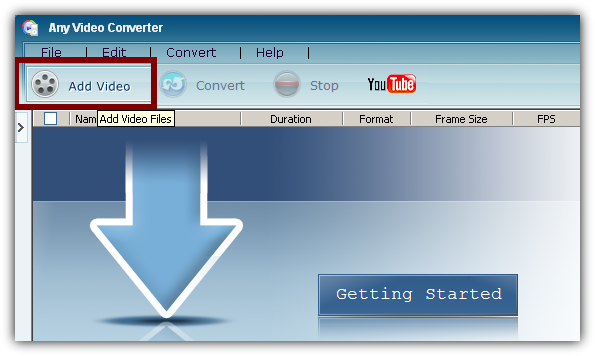
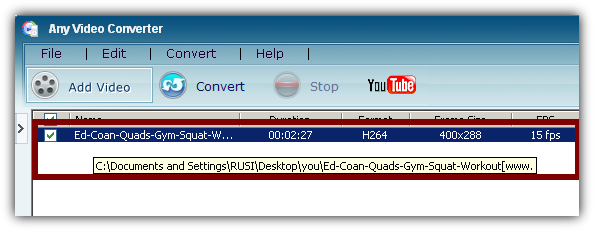
Step 2: Insert the video you want to convert in Any Video Converter.
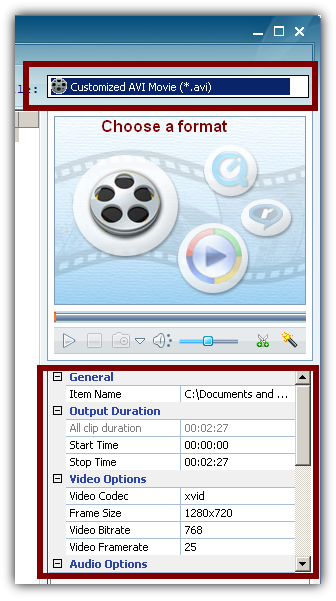
Step 3: Select the prefered output format. In this case the video is in flv format (downloaded from YouTube). I will convert it to avi.
Select your preferred format and adjust the rest of the settings accortding to your needs. If you are not sure what to change just choose a format and leave the rest of the options the same.
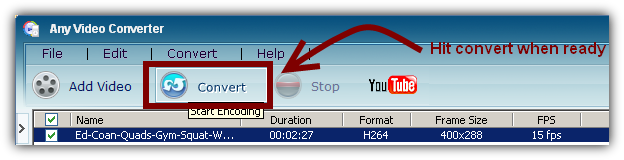
Hit convert when ready.
Now you just have to wait.
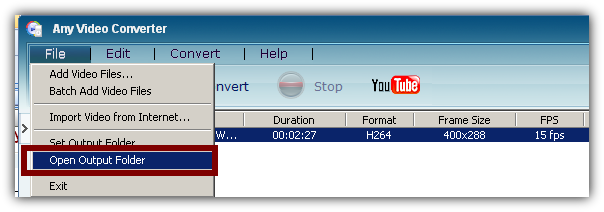
When the conversion is finished go to File > Open Output Folder in order to view your new converted video.
That's it.
You might also like...