How To Download Web-pages And Browse Offline Using A1 Website Download
by Rusi
Added On September 6, 2011
Step 1: Download and Install A1 Website Download
Note: A1 Website comes with a free 31-day trial.
Step 2: Start A1 Website And Download A Site
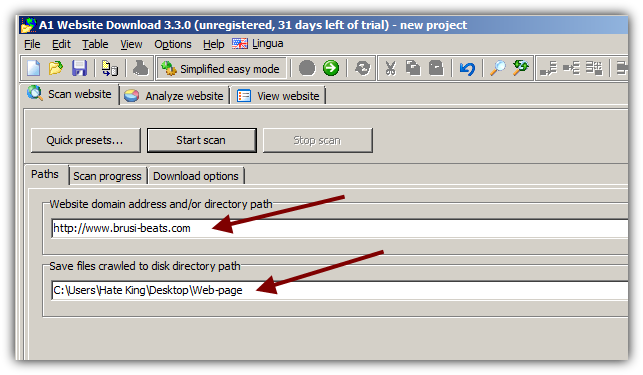
Enter a web-page you would like to download and write the folder where you would like to save the data.
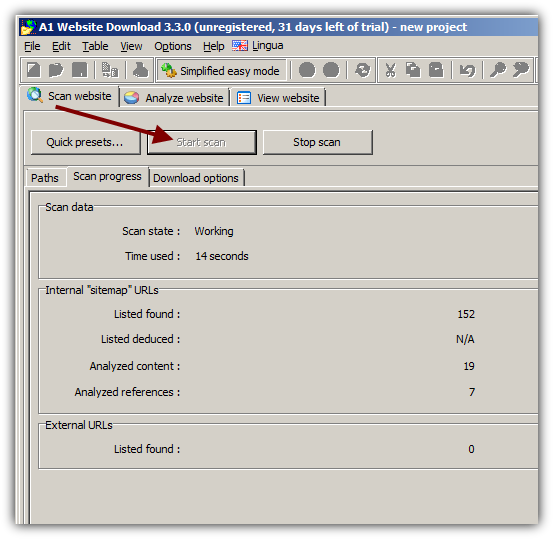
Click on Start Scan.
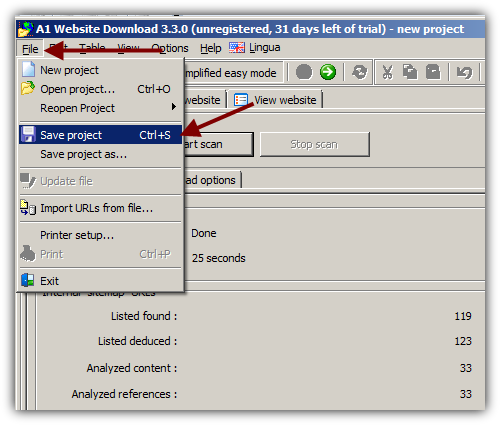
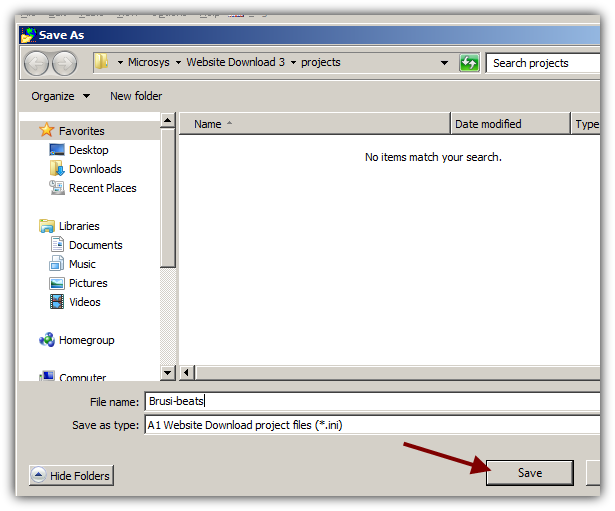
Save your project.
You can now go to the download folder. You will be able to browse the web-page offline.
You might also like...