Adding Flavor To Your Workflow:
How To Install Fonts In Windows - the fast way
There are a lot of attractive paid and free fonts out there but not everybody knows how to install them. Here's a tutorial that will teach you how to add new fonts to your library in seconds.
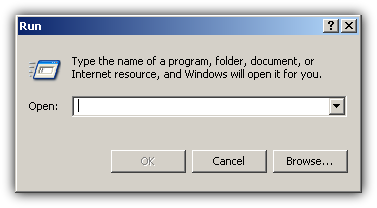
Step 2: Open the Windows Run Command by pressing Win Key + R
Step 1: Find a font you like. There are a lot of free fonts so don't worry about money.
This box will appear.
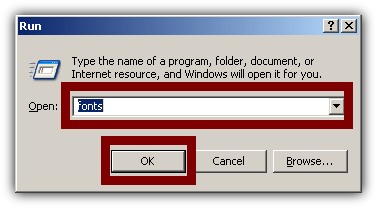
Step 3: Type fonts and click OK.
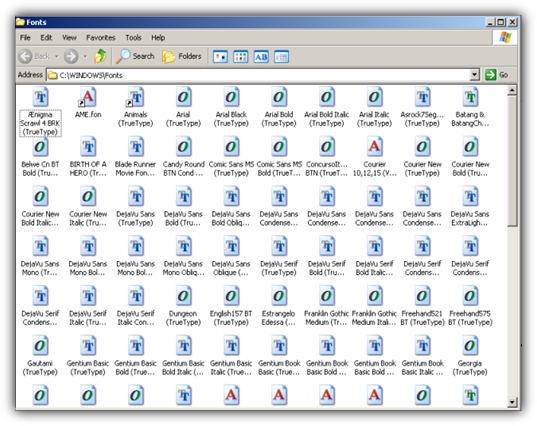
This command will open the Windows folder containing your current font library. In Windows XP it looks like this:
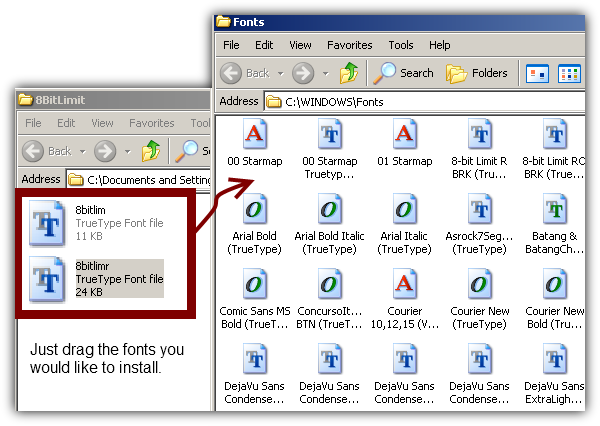
Step 4:Copy the fonts you would like to install and paste them to this folder.
You might also like...