Learn How To Stop All Unwanted Services In Windows XP
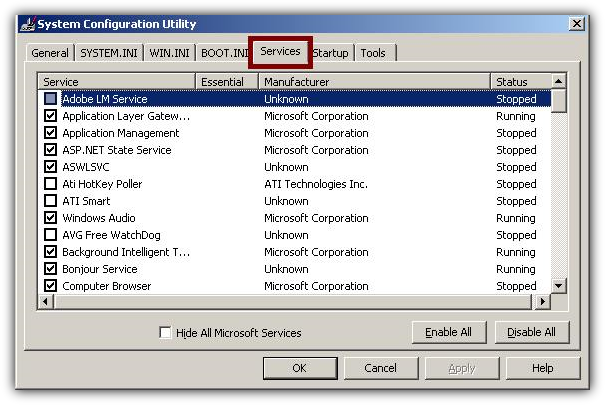
Step 3: Go To Services
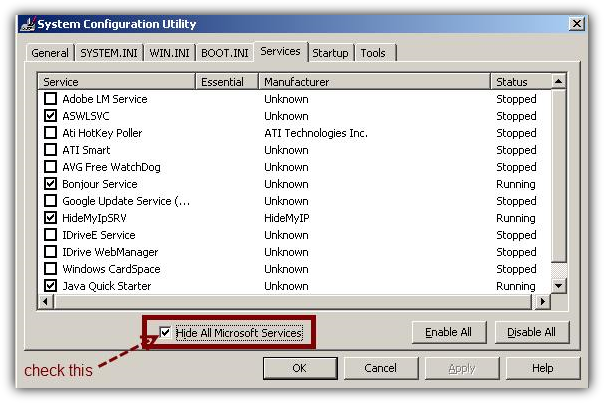
Step 4: Check Hide All Microsoft Services in order to hide all vital services required by Windows
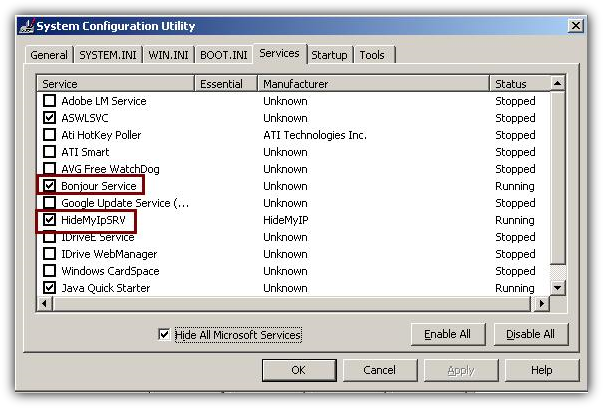
Step 5: Uncheck all the services that you are not going to need. Be careful!!!
In my case I will uncheck Bonjour Service and HideMyIPSRV because I won't need those two services.
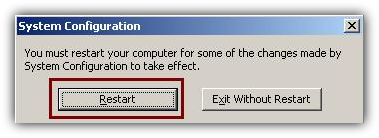
Step 6: When ready press OK and restart your computer
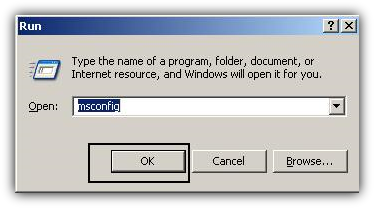
Step 1: Open the Run box by pressing the Windows key and the letter R at the same time.
Step 2: Type msconfig and press OK.
Usually there are a lot of unwanted services running all the time. Here is how to stop them in order to increase the speed of your computer.
You might also like...