How To Change The Skin Of HUPlayer
Added On August 29, 2011
HUPlayer is a powerful cross platform and cross browser media player which supports playing almost all popular digital media formats and DRM-X 3.0 protected files.
HUPlayer for Windows support Play All Major Audio/Video Formats. Video Formats Support Windows Media (WMV, and ASF), Flash Video (FLV), Real Media (RM, RMVB), MP4 (H.264 codec), AVI, MPG, 3GP, MOV, NUT, OGG, OGM, MKV. Audio Formats support: MP3, WMA, AAC, AC3, ALAC, AMR, DTS, RAM.
HUPlayer for Mac (Media Player) plays almost any format as HUPlayer on your Windows. Currently it support Mac Snow Leopard.
HUPlayer for Android (Media Player) is a powerful media player which supports playing flv, mp4, avi, mp3, mkv, m4a, m4v, aac, 3gp, rmvb, mpg, mpeg and divx formats on Android devices. It also supports playing DRM-X 3.0 protected Audio/Video files.
Official Page: http://www.huplayer.com/
Step1: Download and Install HUPlayer
Step2: Choose A Skin
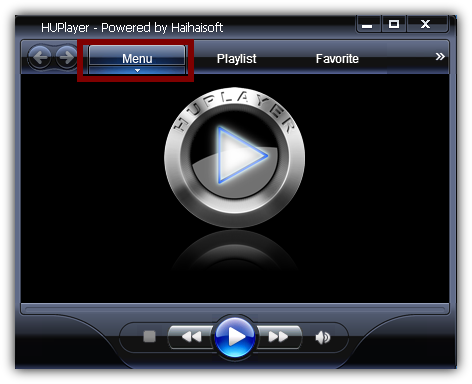
Click On Menu
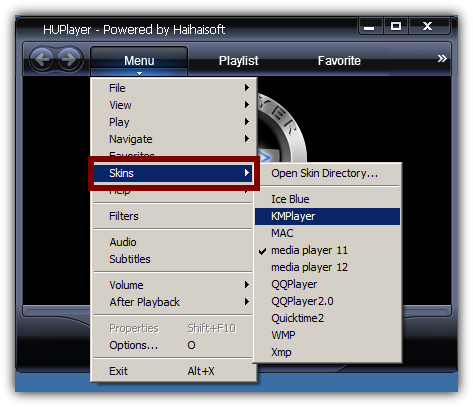
Go to Skins And Choose A Skin.
You can download additional skins from here:
http://www.huplayer.com/index.php?app=search
You might also like...