Last Update On November 15, 2011
Copy Text From Mozilla Firefox In The Clipboard By Selecting It
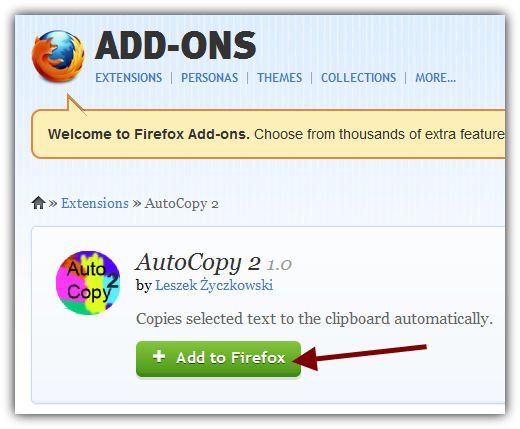
AutoCopy 2 is a Mozilla Firefox Add-on that allows you to copy text from Mozilla Firefox just by selecting it. Follow the steps below in order install it.
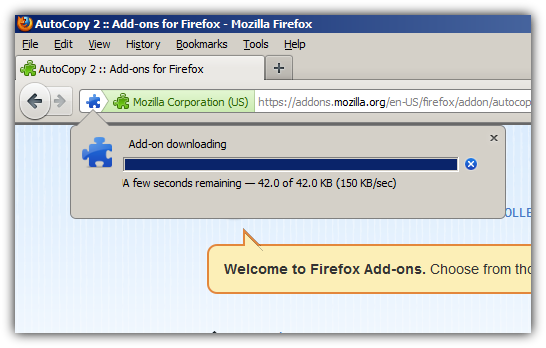
Wait for the download to complete...
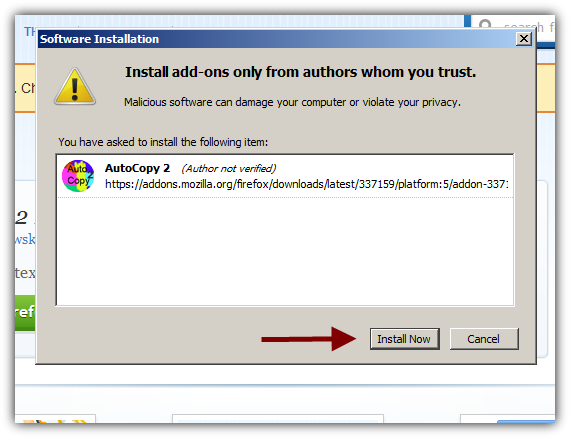
Click on Install Now and Restart Firefox
Step 2: Try the plugin
After restarting Firefox select a text and try to paster somewhere.
This is it. Have Fun