How To Make Video Snapshots Using VLC Media Player
There is an easy way to take video snapshots using the free media player VLC Player. Here's how to do it.
Step 1: Open VLC Media player and load a movie. I will use You Got Served: Beat The World for the demonstration :)
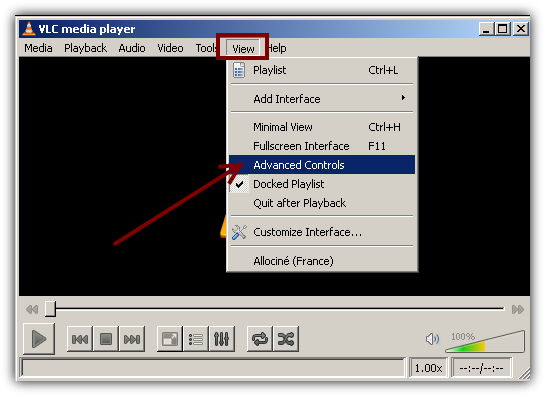
Step 2: Enable the Advanced Controls. Go To View > Advanced Controls
Step 3:
Go to the the scene you would like to snapshot.
Click the Snapshot button. That's it :)
You will find your image at C:\Documents and Settings\Username\Desktop if you are using Windows.
If you want to change you default snapshot folder follow the steps below.
Go to Tools > Preferences and then go to Video settings
Now scroll down a little bit and you will see Video Snapshot: Directory.
Click Browse and go to the folder you would like to use.
That's pretty much it.
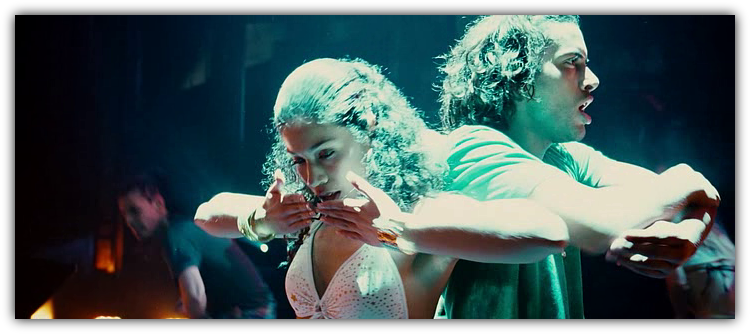
Below is my snapshot.
You might also like...