How To Record Every Sound Passing Through Your Soundcard Using The Free Recoder Sonarca
Added On August 22, 2011
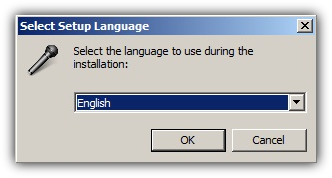
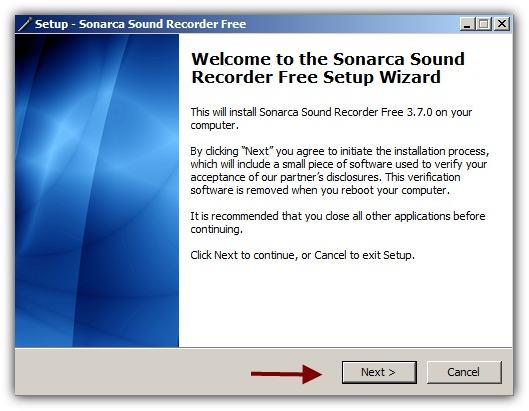
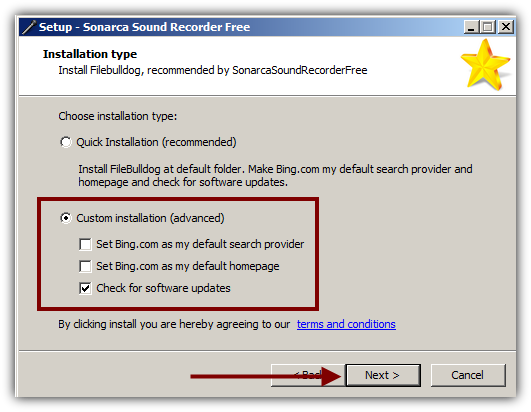
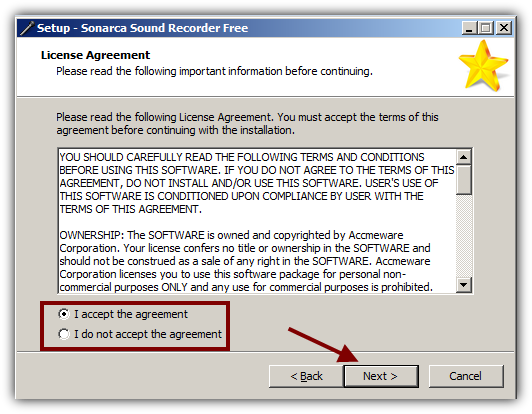
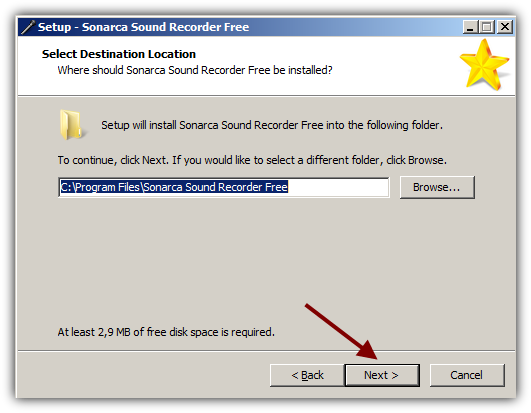
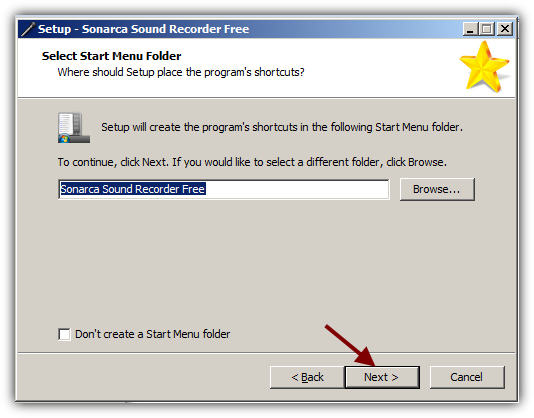
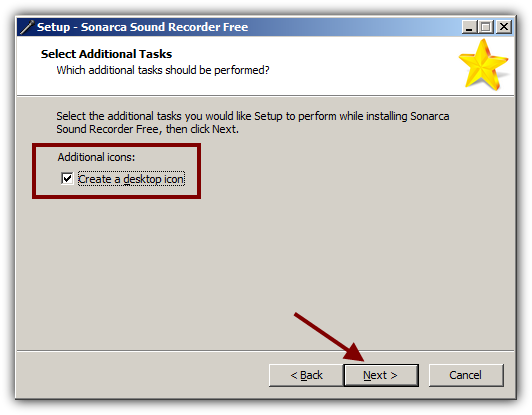
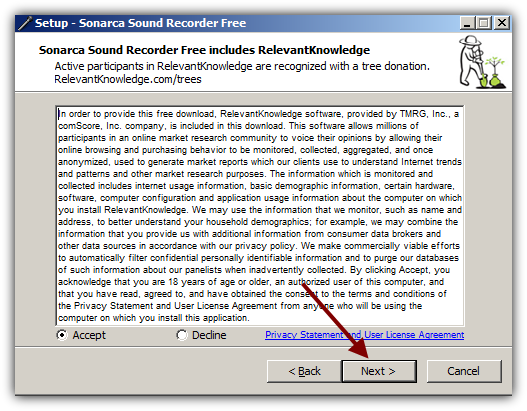
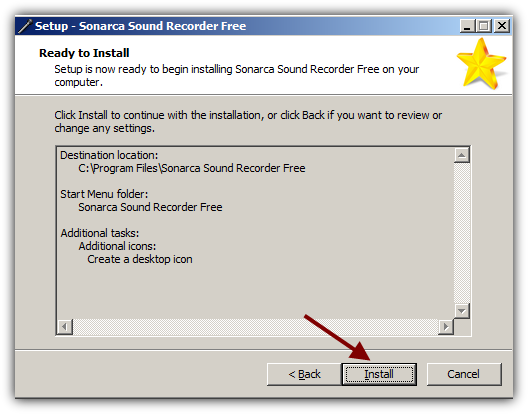
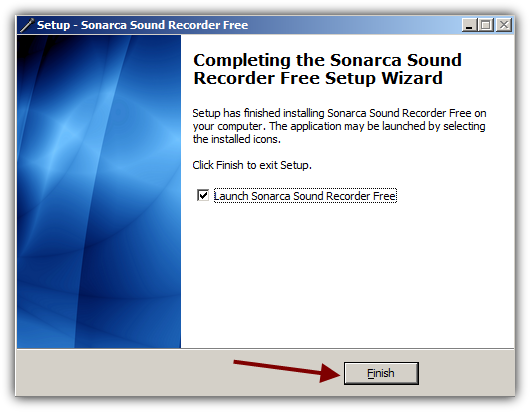
Step 1: Download and Install Sonarca
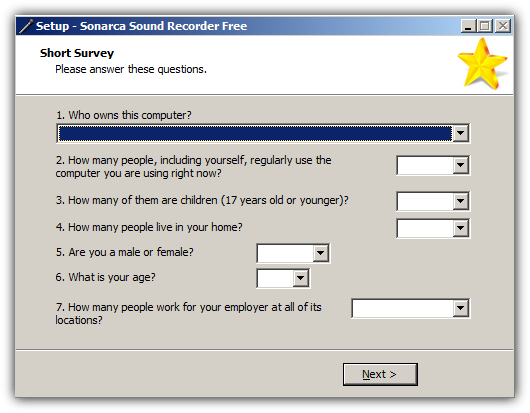
Complete the short survey.
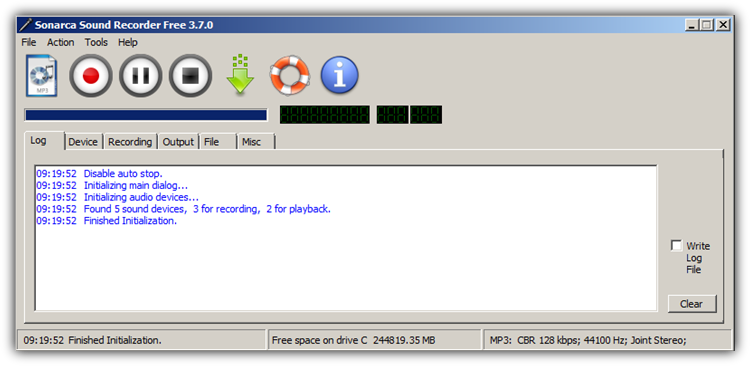
Step 2: Start Sonarca and Adjust the Settings
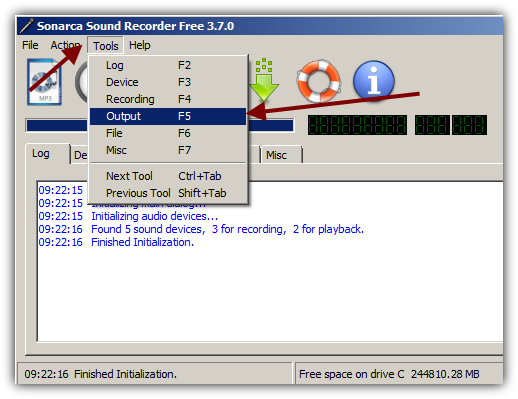
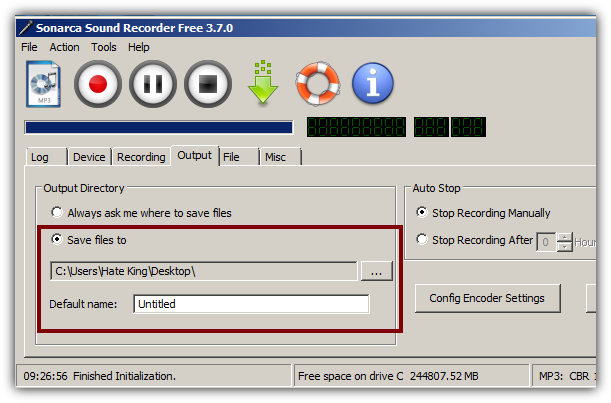
Set the output folder. Go to Tools > Output
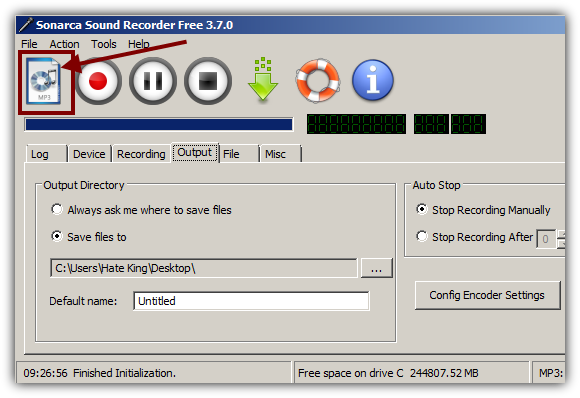
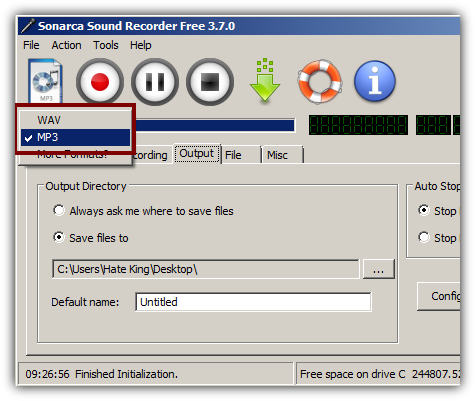
Set an output format.
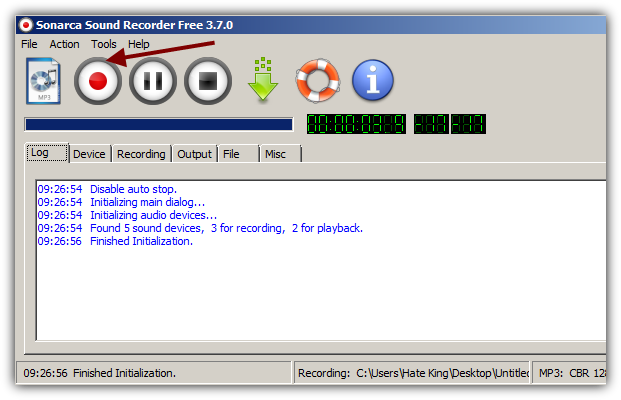
Now start any sound producing software on you computer and click the Record button of Sonarca. Click stop when the recordng is finished.
Hit Record when ready.
Note: The quality is not always the best but it gets the job done and keep in mind the quality of the input signal is also very important.
You might also like...