Learn How To Tidy You Music Sample And Photo Library Using The Free Software Advanced Renamer
Added On August 15, 2011
Have you ever been in situation when you have a lot of files with odd names and you would like to rename them by using a simple name and number.
If you are a music producer and have tons of Kick Drum Samples with weird names such as "kick_low_boost_Lil_wayne_type" or image files you will have to spend a lot of time renaming them. This is where the free software Advanced Renamer comes into play.
In order to demonstrate you some of Advanced Renamer's functions I will use to it tidy one of my image folders.
Step1: Download and Install Advanced Renamer.
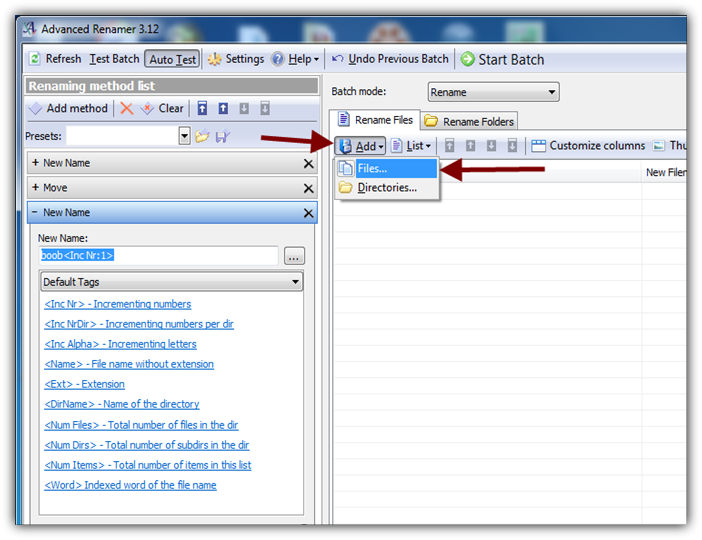
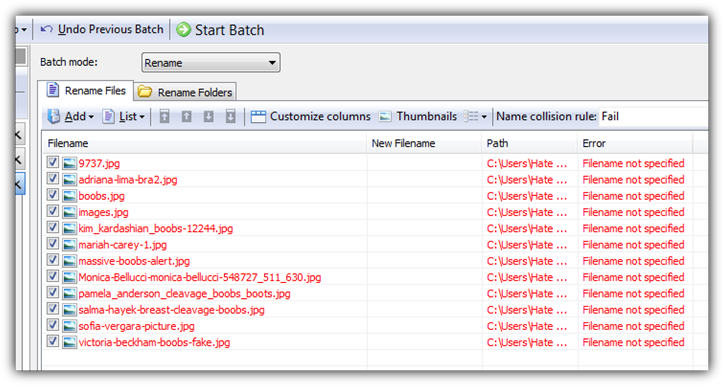
Step2: Open Advanced Renamer and Add the Files you would like to rename.
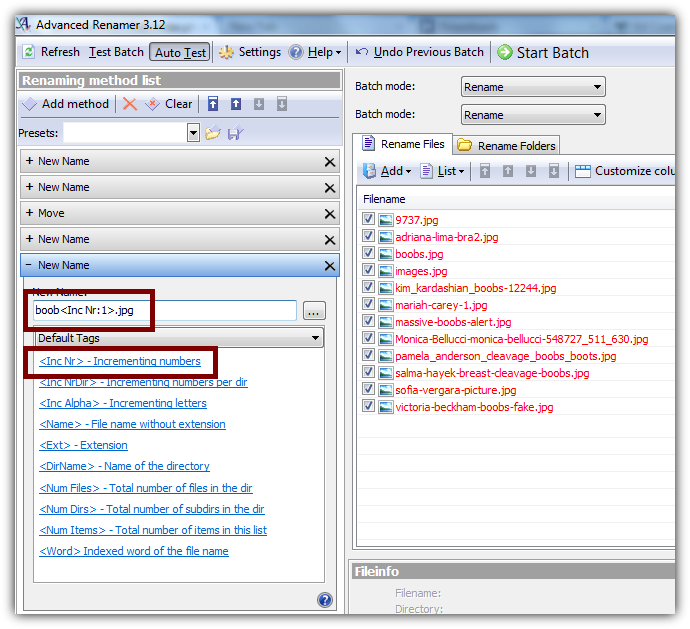
Step3: Set a common name for your files and add numbering.
Since all of these photos are nothing more than a collection of boobs I will use "boob" as my main name.
Advanced Renamer gives you the opportunity to choose different tags as numbering. In this tutorial I will just use basic incrementing numbers.
Note: Make sure that you finish the name of your new file with its EXTENSION. In this case ".jpg"
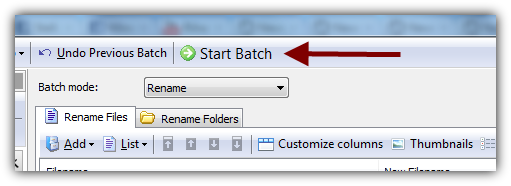
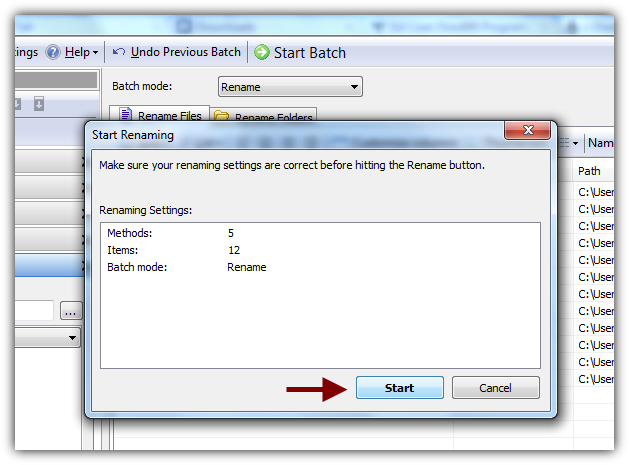
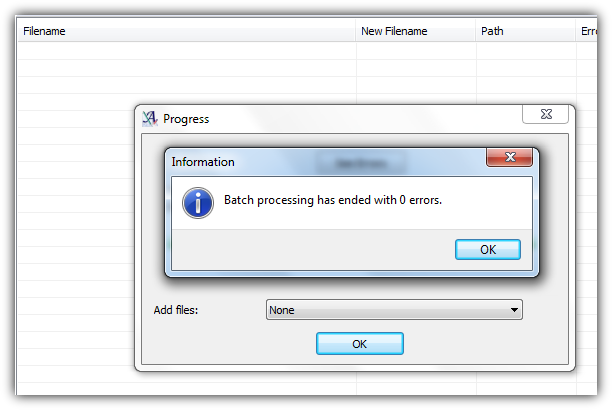
Now click on Start Batch and wait for the program to do its jobs.
You might also like...