How To Check Your E-mail Fast With Mozilla WebMail Notifier
This tutorial explains how to check your e-mail in a few click thanks to Mozilla WebMail Notifier.
WebMail Notifier is a Mozilla Firefox Add-on developped by Byungwook Kang.
It works with Gmail, Yahoo...etc
Step1: Install WebMail Notifier
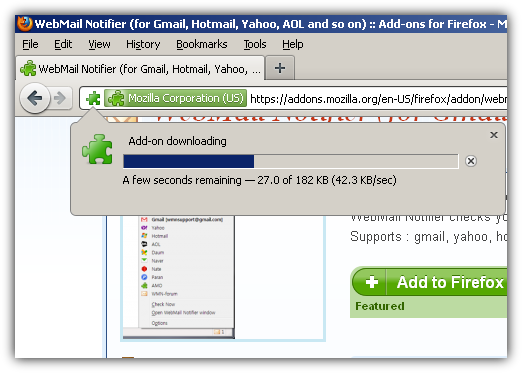
Mozilla Firefox will ask you if want to install the add-on. Click on Allow.
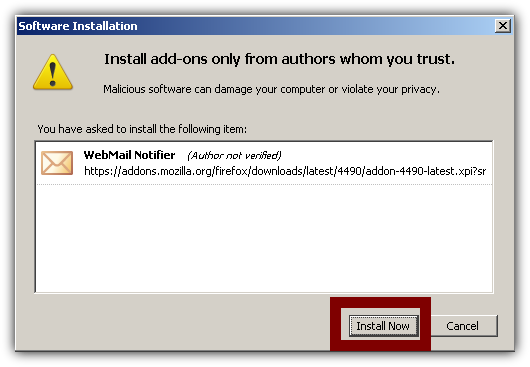
Wait for the download to finish and then click Install.
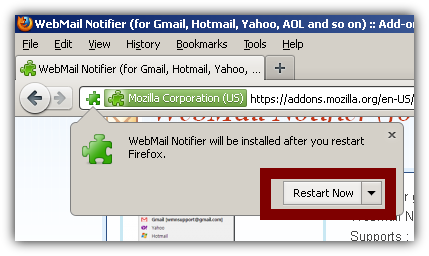
When the add-on is installed you will have to restart Firefox. Click on Restart Now.
Firefox will open again automatically.
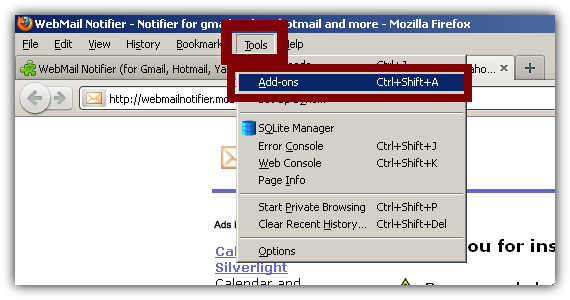
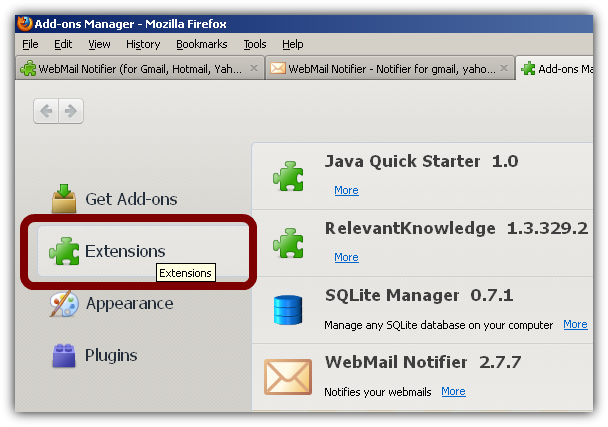
Go to Tools > Add-ons. You can also press Ctrl+Shift+A too.
Go to Extensions
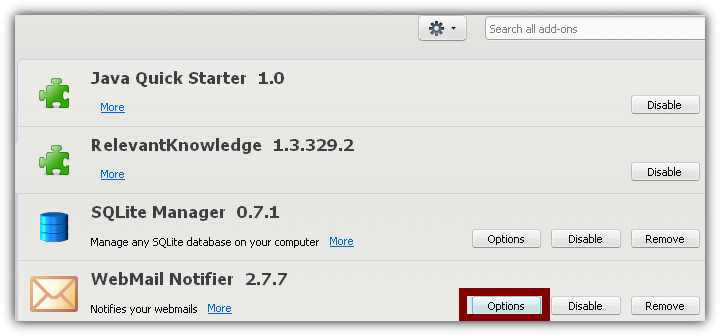
Click on the Options button right next to the WebMail Notifier's line
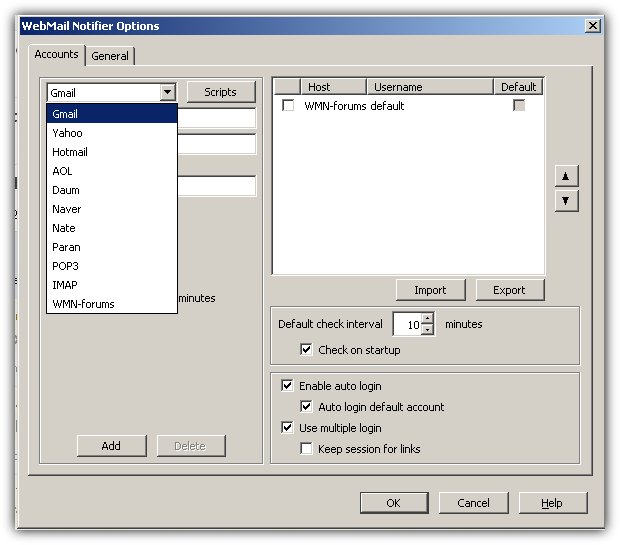
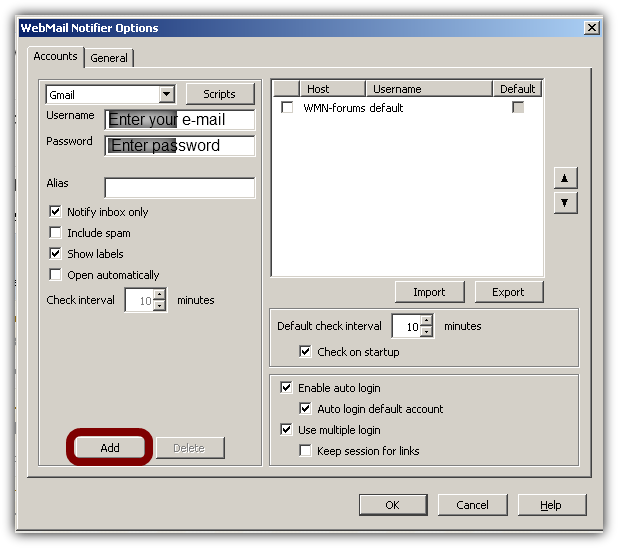
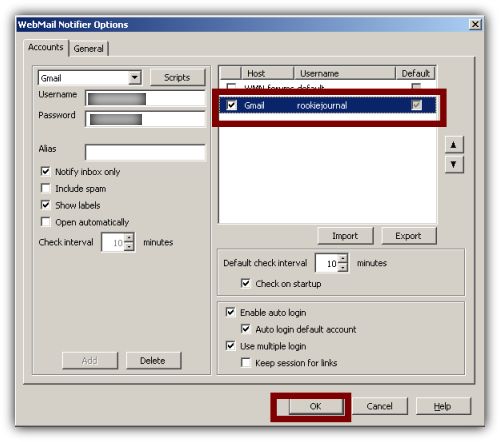
This box will open. Choose your account and enter your e-mail address and password.
When Ready click ADD and OK
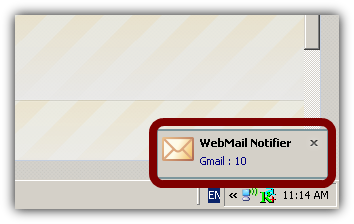
A small box will appear which will show how many letters you have.
When you click on the letter icon you will be redirected to your e-mail box.
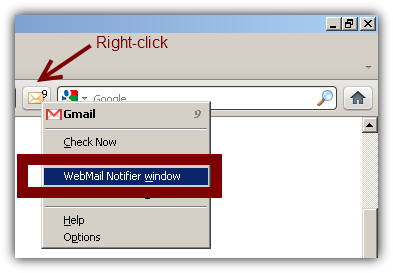
Keep in mind that you might have to use the Webmail sidebar or window if you've have a lot of e-mail accounts on different platforms such as Gmail, Yahoo...etc.
You can open the sidebar/window by right-clicking on the letter icon.
That's it. Experiment and have fun.